
AiMi

Ai & My Intelligence
Automating my phone

Download

Midnight · the original AiMiYour friendly companion, always one tap away.

On WindowsAI on desktop
On AndroidDaily companion
On macOSComing soon
On ChromeBrowse smarter

Meet AiMi in 30 seconds

Set up AiMi once. Get help whenever you need it. Install AiMi on your Android phone, connect your AI provider with your own API key, tap AiMi at the edge of your screen, and ask, create or set up a routine.

Free to startBring your own AI keyYou stay in controlAndroid · Windows · Chrome

Your phone is smart. Why are you still doing everything yourself?

Messages to catch up on. Pages to understand. Forms to fill. The same little tasks, day after day. None of them takes long on its own. Together, they steal your time.

01

Drowning in information

Important details disappear in endless chats, emails, and documents.
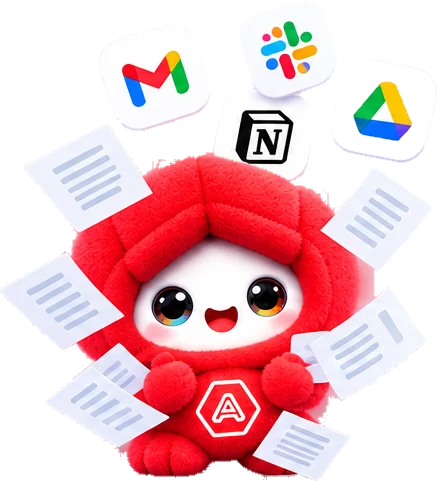
Red AiMi buried in emails and documents
SummarizeKey pointsNotesFind
02

Searching for simple answers

Why open five tabs when you just need one clear explanation?

Purple AiMi with a magnifying glass
AskExplainTranslateScam check
03

Repeating the same tasks

Copy. Paste. Type. Send. Then do it all again tomorrow.
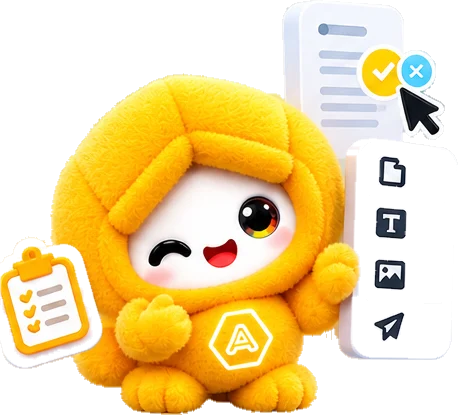
Yellow AiMi with a checklist and quick actions
DraftsFill formsRoutinesSend
04

Constantly switching apps

One small task becomes a tour of your entire phone.

Green AiMi dizzy from switching between apps
This screenOpen appsFewer taps
05

Stuck staring at a blank page

You have the idea. Getting it into words or images is the hard part.
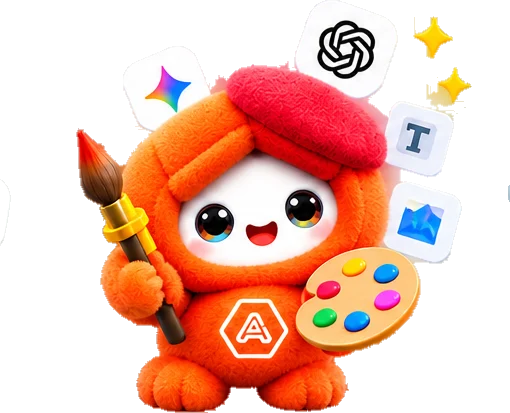
Orange AiMi with a paintbrush and palette
WriteImprovePromptsPosts
06

Losing track of little things

Screenshots, notes, reminders, and ideas scattered everywhere.
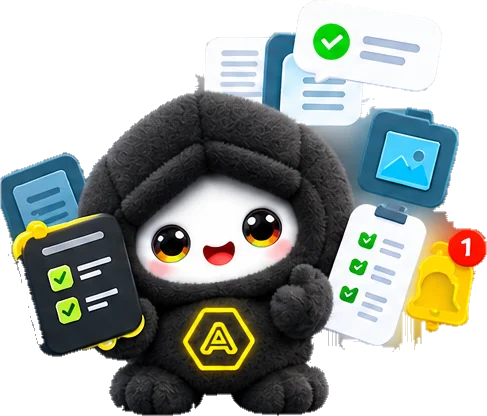
Black AiMi holding a checklist with reminders
SaveOrganizeRemindersFind later

AI can answer. AiMi helps you act.

Most AI tools help you think, write, or find answers. Automation tools can handle repetitive workflows, but often take setup and may be limited to desktop environments. AiMi brings conversational AI and device-level actions together.
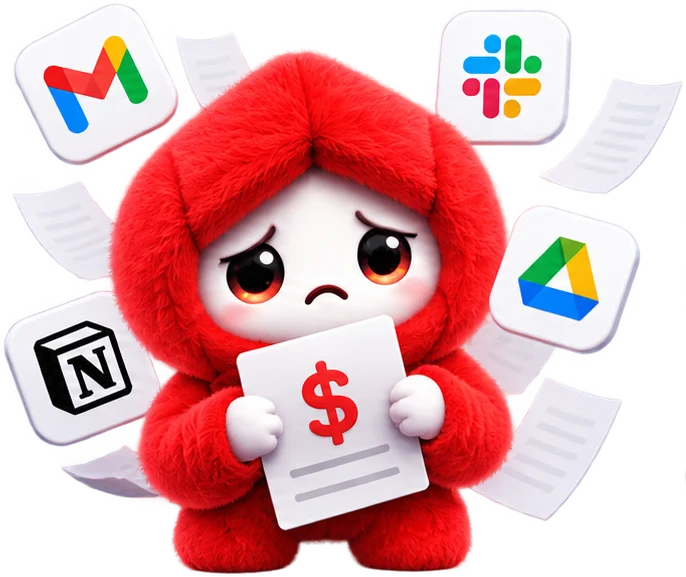

Paid AI tools

Pay every month

  • Subscriptions can pile up
  • Every task needs another service
Sad red AiMi holding a bill, surrounded by app icons
Traditional automation

Stuck at a desk

  • Powerful workflows
  • Often more setup than everyday phone tasks deserve
Tired blue AiMi stuck at a desk with a laptop
Built-in phone assistants

Answer, then stop

  • Convenient for supported commands
  • Not every task fits a predefined voice command
Puzzled purple AiMi surrounded by question marks
AiMi, the hybrid

Your AI, connected to real actions.

  • Talk naturally, in your own words
  • Work across screens: Android and your PC
  • Automate supported tasks on a schedule
  • Choose your AI with your own API key
  • Your personal data and settings stay on your device
Phone + PC Voice + tap AI brain + real actions Smart AI + private data

Your whole phone, a little more on autopilot

Just tell AiMi what you need. Type or speak in English, Hindi, or Hinglish.

Byte waving hello
Ask

“Explain this message in simple Hindi.” Understand content, translate text, extract details, or find the next step.

Blaze with a paint palette
Images

“Make an image inspired by this screenshot.” AiMi prepares the prompt and helps send it to ChatGPT.

Routines

“Every morning at 8, remind me to say good morning to Mom on WhatsApp.” Set it up once. Tasks that need an unlocked phone or your approval wait until you’re ready.

Sunny holding a gear
Privacy first

Your data. Your device. Your decision.

Helpful AI shouldn’t mean handing over your whole digital life. AiMi is designed around local control, encrypted personal storage, and explicit access to the information it needs.

AES-256-GCMOn-device only

Encrypted personal dataKeys, chats, notes and routines are protected with platform encryption, including Android Keystore and Windows DPAPI
Your AI provider, your choiceUse your own API key. Requests go to the provider you select, not through an AiMi AI proxy
No AiMi account requiredGet started without creating an AiMi account
Context when you need itAiMi uses screen content when you ask. Review permissions before sharing sensitive content
Private modeAvoid saving local conversation data while it is on
Sensitive actions stay protectedDesigned to avoid passwords, OTPs, card details and payment apps
One AiMi. Many little superpowers.

Meet the helpers behind your everyday AI

Each little helper is great at one thing. Tap one to bring it on stage.

An AI that gets to know your preferences

More useful from day one. More personal over time. You decide what to save, what to change, and what to delete.

  1. Day 1

    Your preferences

    Tell AiMi your name, preferred language, and how you like your replies.

  2. Week 1

    Your conversations

    Continue supported conversations with context and saved preferences.

  3. Month 1

    Your routines

    Build repeatable workflows around the tasks you choose to automate.

Android app01
Midnight, the original AiMi Download for Android
Android 12+Screen assistanceCalls · messages · WhatsAppRoutines & voice

Your primary AiMi companion: screen assistance, supported calls, messages and WhatsApp workflows, scheduled routines and voice.

Windows app02
Cloud with a laptop Download for Windows
Windows 10 / 11System trayKeyboard shortcutDesktop assistance
Chrome extension03
Guard with a shield Get the Chrome extension
Extension-based assistanceReview and approve actionsLocal privacy controls